Works offline.
Keep learning when the internet stops.
Access lessons, e-books, videos, and other resources stored on AfriBox over local Wi-Fi. Once your library is set up, local learning and playback continue without an internet connection.
Your community’s learning and media library. Use it offline, synchronize content when connected, and take it wherever learning happens. Simple to connect. Easy to use.

Four everyday advantages, built around your community: learning without internet, a library you can refresh, a box you can carry, and a simple way for everyone to connect.
Keep learning when the internet stops.
Access lessons, e-books, videos, and other resources stored on AfriBox over local Wi-Fi. Once your library is set up, local learning and playback continue without an internet connection.
Connect. Refresh. Keep sharing.
Refresh your local library when internet is available. Once synchronized, updated resources stay on AfriBox and are shared across the local network, ready for offline access.
Carry a whole library in one hand.
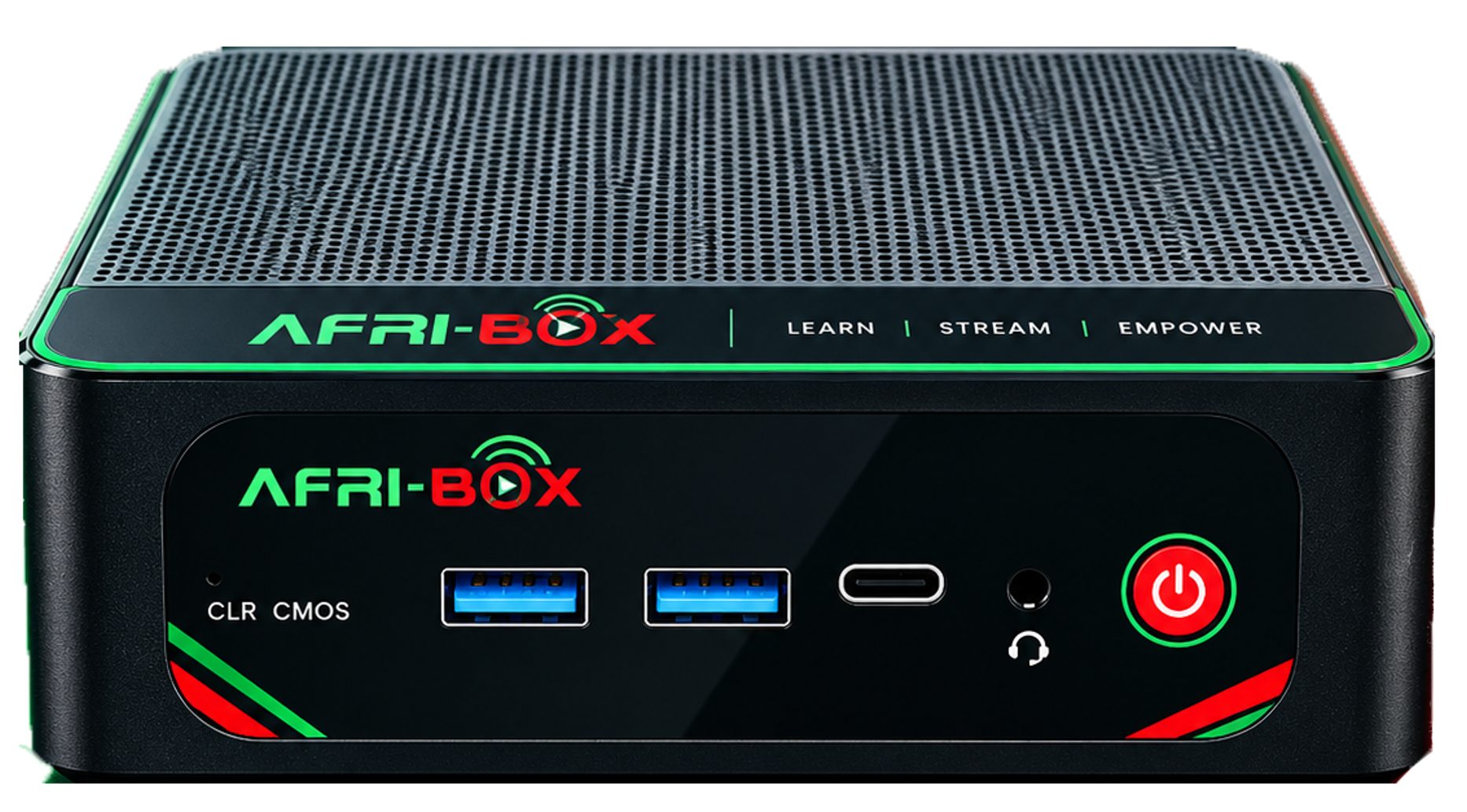
Move AfriBox between classrooms, learning centres, and community spaces. Its approximate 12.6 × 11.3 cm footprint and roughly 4 cm height make it easy to pack, carry, and set up at your next location.
Power on. Connect. Start learning.
After initial setup, switch on AfriBox, join the local Wi-Fi, and open the shared library address in your browser. Use your phone, tablet, or laptop to find the resources you need.
A familiar browser. Your own device. A shared world of resources.
Learner steps shown after initial content and network setup. Power is required at every location; internet is needed for synchronization, new downloads, and online services.
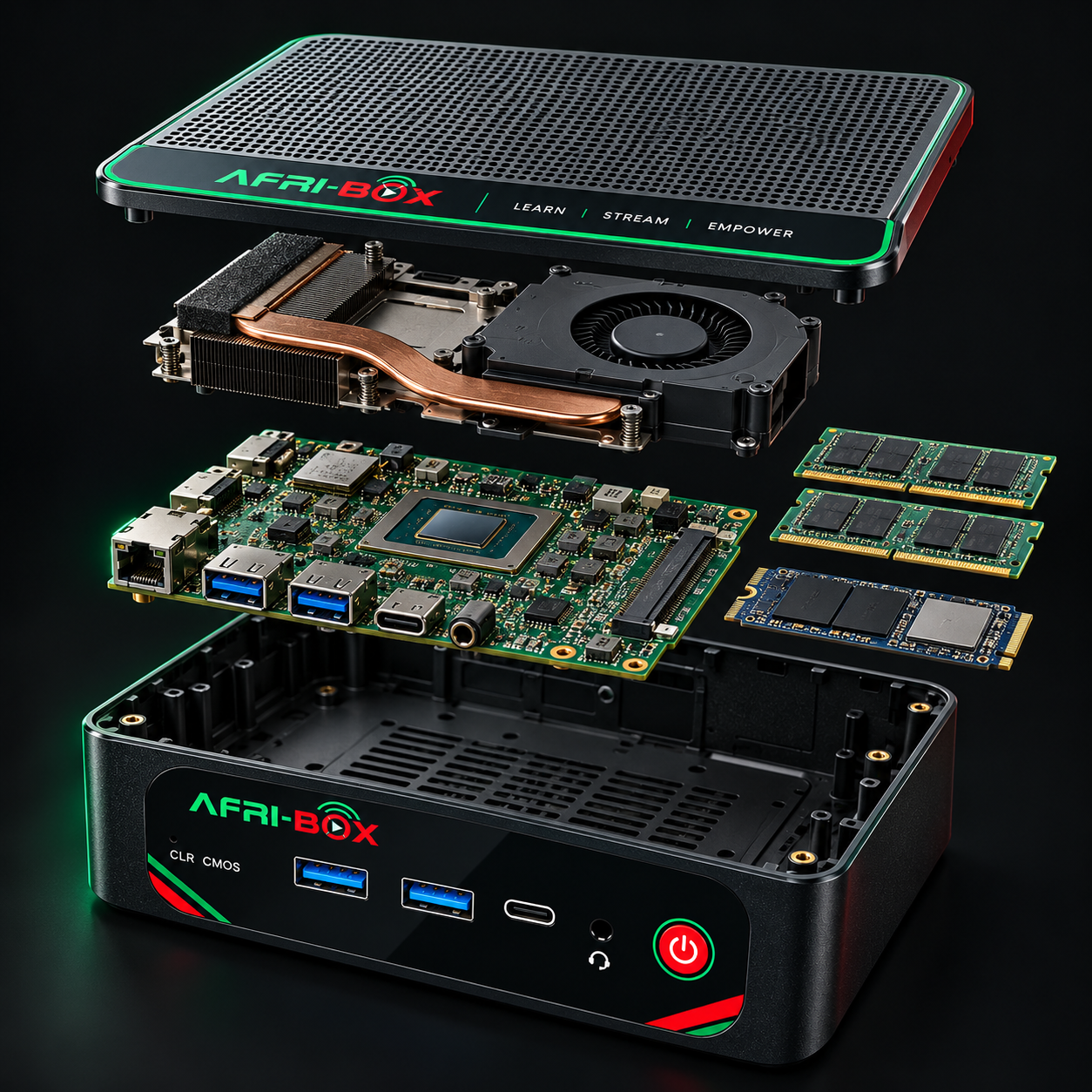
Every part has a purpose. Take a closer look at the hardware that turns a compact computer into your community’s digital hub.
The AMD Ryzen™ 5 5500U processes requests, runs your chosen applications, and coordinates the work happening inside AfriBox.

500GB of nominal SSD storage gives your digital resources a place to live. Explore how average file size changes what a library can hold.
Explore the full specificationAt an average of 500MB per file.
Illustration uses decimal GB and a 50GB allowance for the OS, software, and free space. Actual usable storage and content sizes vary.
The base configuration supports a minimum of 50 people. Configure AfriBox and its network for 100 or more, with access points, suitable backhaul, and software tuned to your content.
Ethernet backhaul keeps access-point links steady and frees up wireless airtime.
Position access points near users. Walls, interference, and placement affect coverage.
Measure your content and real devices. Wider coverage alone doesn’t add server capacity.
AfriBox configuration shown: 16GB memory and 500GB SSD storage. Component options and upgrade limits depend on your AfriBox version. References: processor specifications, hardware configuration, and chassis dimensions.
The practical details behind the possibilities.
Once compatible local server software and content are installed, devices on the same network can access those local resources without an internet connection. AfriBox and the network still need power. Online services, remote updates, and new downloads need internet access.
An administrator connects AfriBox to the internet and refreshes its local library through the configured content platform. Once synchronization is complete, the updated resources stay on AfriBox for shared offline access. The synchronization options depend on the content software selected for your programme.
Yes. With an approximate 12.6 × 11.3 cm footprint and around 4 cm height, AfriBox is easy to carry between locations. Bring its power adapter and the network equipment needed at the destination, connect them to power, and make the local library available there.
The base AfriBox configuration supports a minimum of 50 people. It can be configured to support 100 or more people with suitable routers, access points, and workload tuning. For larger deployments, plan around your content mix, video quality, simultaneous activity, and Wi-Fi conditions, then test the full setup with representative devices.
Start with a router or access point providing Wi-Fi and a local network. For additional rooms, Ethernet-connected access points are generally the more dependable option. Mesh nodes or extenders are useful where cabling is impractical; place them where they still receive a strong upstream signal. Wireless repeating consumes airtime and can reduce throughput.
Memory and storage upgrade options, supported capacities, module types, and available slots depend on your AfriBox version. Check the relevant documentation and installed parts first. The Ryzen processor is soldered to the motherboard and is not a practical user upgrade. Disconnect power before any service.
This page describes the hardware foundation and possible deployment patterns. A preinstalled software or content bundle has not been specified. Your programme should choose compatible software, confirm content licences, and prepare its library before deployment.
Explore the hardware. Imagine the possibilities.
Build the connection your community needs.